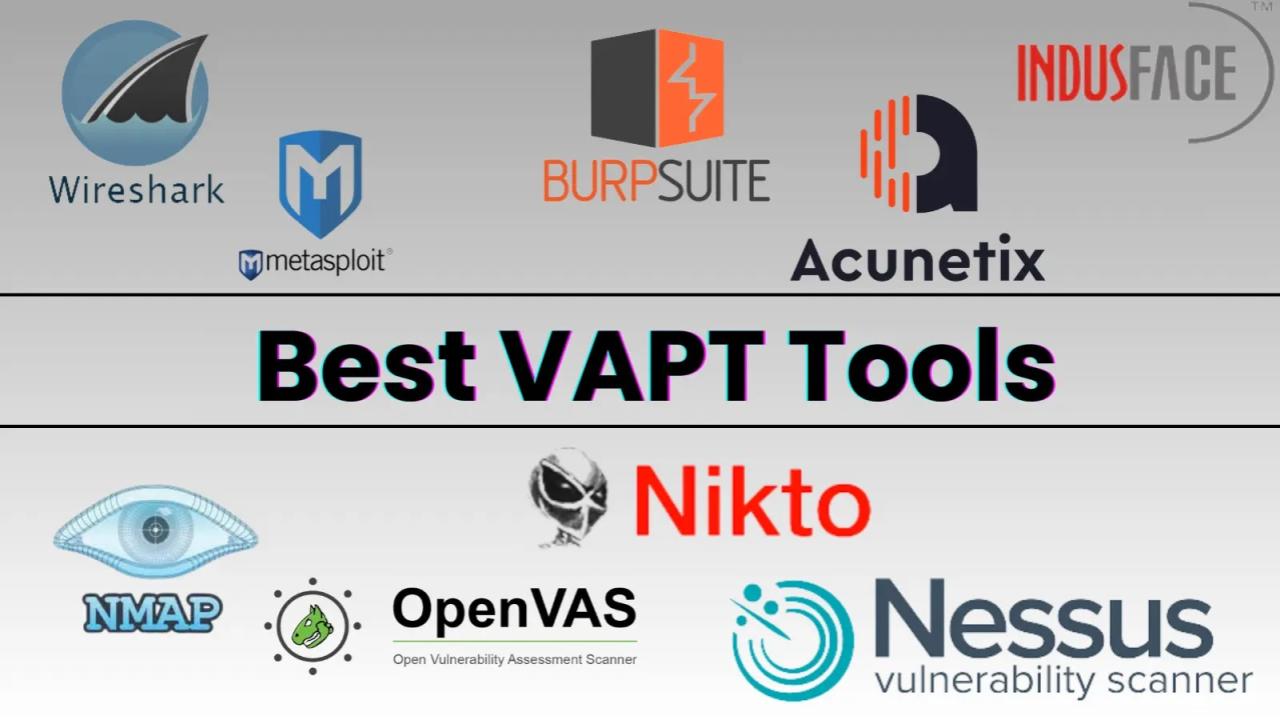
Summary
Top vulnerability management tools include Rapid7 InsightVM, Tenable Vulnerability Management (and Tenable Nessus), Qualys VMDR, Intruder, Acunetix, and OpenVAS.
These tools differ in features, such as whether they are cloud-based, focus on web applications, or are open-source, but all are designed to help identify, prioritize, and manage security vulnerabilities.
OnAir Post: Vulnerability Management Tools
About
Gemini AI Overview
Popular vulnerability management tools
- Rapid7 InsightVM: A comprehensive solution that provides live risk analysis and uses threat intelligence to prioritize vulnerabilities.
- Tenable Vulnerability Management (and Nessus): A highly-regarded platform that scans for a wide range of vulnerabilities. Tenable.io is also a strong option.
- Qualys VMDR: A cloud-based platform that offers automated vulnerability management, detection, and response for enterprises.
- Intruder: An automated vulnerability management tool that continuously scans and monitors digital assets.
- Acunetix: A specialized tool focused on web application security, capable of detecting thousands of vulnerabilities in web applications.
- OpenVAS: An open-source vulnerability scanner that is widely used for network and application vulnerability assessments.
- Burp Suite: Often used for web application security testing, it can be a powerful tool for finding vulnerabilities.
- Tripwire IP360: Another enterprise-grade option for vulnerability and risk management.
Factors to consider when choosing a tool
- Automation: Look for continuous scanning and automated processes, especially for large or dynamic environments.
- Prioritization: A tool that uses real-time threat intelligence to help prioritize vulnerabilities can reduce alert fatigue.
- Integration: Consider tools that integrate with other security solutions, such as SIEM and patch management systems.
- Scope: Ensure the tool covers the specific assets you need, whether that’s web applications, on-premise servers, or cloud environments.
- Reporting: Comprehensive and clear reporting features are crucial for tracking progress and meeting compliance requirements.
Source: Gemini AI Overview – 11/12/2025
Gemini AI Deep Dive Overview
Top Vulnerability Management Tools
| Tool Name | Key Strengths and Features | Best For |
|---|---|---|
| Tenable Nessus/Tenable One | Widely recognized and highly popular for comprehensive network and cloud scanning, configuration auditing, and compliance checks. Offers robust risk prioritization using VPR (Vulnerability Priority Rating). | Enterprise environments needing broad, traditional network scanning and strong reporting. |
| Qualys VMDR | A unified, cloud-based platform combining vulnerability management, detection, and response. Features automated asset discovery, real-time risk scoring (TruRisk), and integrated patching capabilities. | Organizations seeking a single, integrated cloud platform for hybrid environments. |
| Rapid7 InsightVM | Provides real-time visibility, advanced analytics, and automated workflows. Focuses on prioritizing vulnerabilities based on real-world exploitability and integrates with SIEMs and ticketing systems like Jira for streamlined remediation. | Dynamic IT environments and teams who want to connect vulnerability data with actual exploit potential. |
| CrowdStrike Falcon Spotlight | A scanless, endpoint-focused solution that leverages the existing Falcon agent for continuous monitoring and AI-driven prioritization. Provides real-time visibility without the need for disruptive scans. | Organizations heavily invested in the CrowdStrike ecosystem and those prioritizing endpoint security. |
| Wiz | A leader in the Cloud-Native Application Protection Platform (CNAPP) space. Offers complete visibility across cloud workloads, configurations, and services, excelling in container security. | Cloud-first organizations (AWS, Azure, GCP) with dynamic, containerized environments. |
| OpenVAS | A powerful open-source vulnerability scanner that is part of the Greenbone Community Edition. It provides a robust scanning engine with a daily updated vulnerability feed. | Cost-conscious organizations with in-house expertise for configuration and management. |
| Microsoft Defender Vulnerability Management | Seamlessly integrates with the broader Microsoft security ecosystem, offering excellent automated response capabilities. Works best when an organization is all-in on Microsoft products and licensing. | Microsoft-centric environments (E5 license customers). |
| Burp Suite | An advanced set of tools specifically for web application security testing. Highly regarded by penetration testers for its combined manual and automated testing capabilities. | Security teams focused on in-depth web application and API testing. |
Key Considerations When Choosing a Tool
- Environment: Some tools are optimized for traditional on-premises networks (like Nessus), while others excel in cloud-native or hybrid environments (like Qualys, Wiz, AccuKnox).
- Integration: Ensure the tool integrates with your existing security ecosystem (SIEM, ticketing systems like Jira, DevOps pipelines) to automate workflows and provide a unified view of risk.
- Prioritization: Effective tools move beyond just identifying vulnerabilities; they use risk-based analysis (e.g., threat intelligence, exploitability, asset context) to help prioritize which issues to fix first, reducing alert fatigue.
- Deployment: Tools can be cloud-based services, on-premise software, or physical appliances; choose the model that fits your infrastructure and management preferences.
- Usability and Support: A powerful tool with a steep learning curve might be less effective than a simpler, intuitive tool that your team will use consistently.
Source: Gemini AI Deep Dive Overview – 11/12/2025
Specialized and Niche Tools
These tools cater to specific needs, such as web applications, open-source options, or unique cloud-native environments.
- Burp Suite: An industry-standard for web application security testing, favored by developers and security professionals for its advanced manual testing tools and efficient dynamic scanning capabilities.
- OpenVAS (Open Vulnerability Assessment System): A powerful, open-source vulnerability scanner that is part of the Greenbone Vulnerability Management (GVM) solution. It offers a robust scanning engine and daily updated threat feeds, making it a cost-effective option for organizations with the in-house expertise to manage it.
- Microsoft Defender Vulnerability Management: A seamless option for organizations already invested in the Microsoft ecosystem, integrating effortlessly with other Microsoft security products. It works best when all-in on Microsoft’s cloud and endpoint solutions.
- Intruder: Known for its continuous vulnerability monitoring and simple, intuitive interface, often praised for its ability to reduce alert fatigue by focusing on external and internal network weaknesses.
Burp Suite:
Source: Gemini AI Deep Dive Overview – 11/23/2025
The best features of Burp Suite include its comprehensive toolkit for web security testing, such as the Burp Proxy for intercepting and modifying traffic, a powerful web vulnerability scanner for automatic detection, and tools like Intruder and Repeater for manual attacks. Its embedded browser simplifies testing of complex applications, and it is highly extensible through a variety of extensions. Additionally, Burp Suite Professional offers advanced features like automated scanning, an embedded AI assistant, and collaborative tools.
Core features
Burp Proxy: Acts as a “man-in-the-middle” to intercept, inspect, and modify all HTTP and HTTPS traffic between your browser and the target application in real-time.
- Web Vulnerability Scanner: Automatically detects a wide range of vulnerabilities like cross-site scripting (XSS) and cross-site request forgery (CSRF) and provides detailed reporting.
- Burp Intruder: Allows for automating custom attacks by sending a large number of HTTP requests with different payloads to test for vulnerabilities.
- Burp Repeater: Enables you to manually modify and resend individual HTTP requests multiple times to analyze the responses and test specific attack conditions.
- Spider: Crawls a website to map its structure and discover hidden content and endpoints, which are crucial for comprehensive testing.
Advanced and Professional features
- Embedded Browser: A built-in Chromium browser simplifies setup and allows for advanced features like DOM-based vulnerability detection and authenticated scanning.
- Burp Collaborator: Helps detect out-of-band vulnerabilities by using a unique domain that the target application can interact with.
- AI Assistant (Burp AI): Analyzes HTTP traffic to provide real-time explanations of complex headers, payloads, and can flag or reduce false positives for certain vulnerabilities.
- Extensibility: Supports a wide range of extensions through the Burp Extender API, allowing users to customize and integrate Burp Suite with other tools and automate tasks.
- API Scanning: Supports scanning APIs by uploading specification files like OpenAPI or GraphQL, or by providing URLs.