Summary
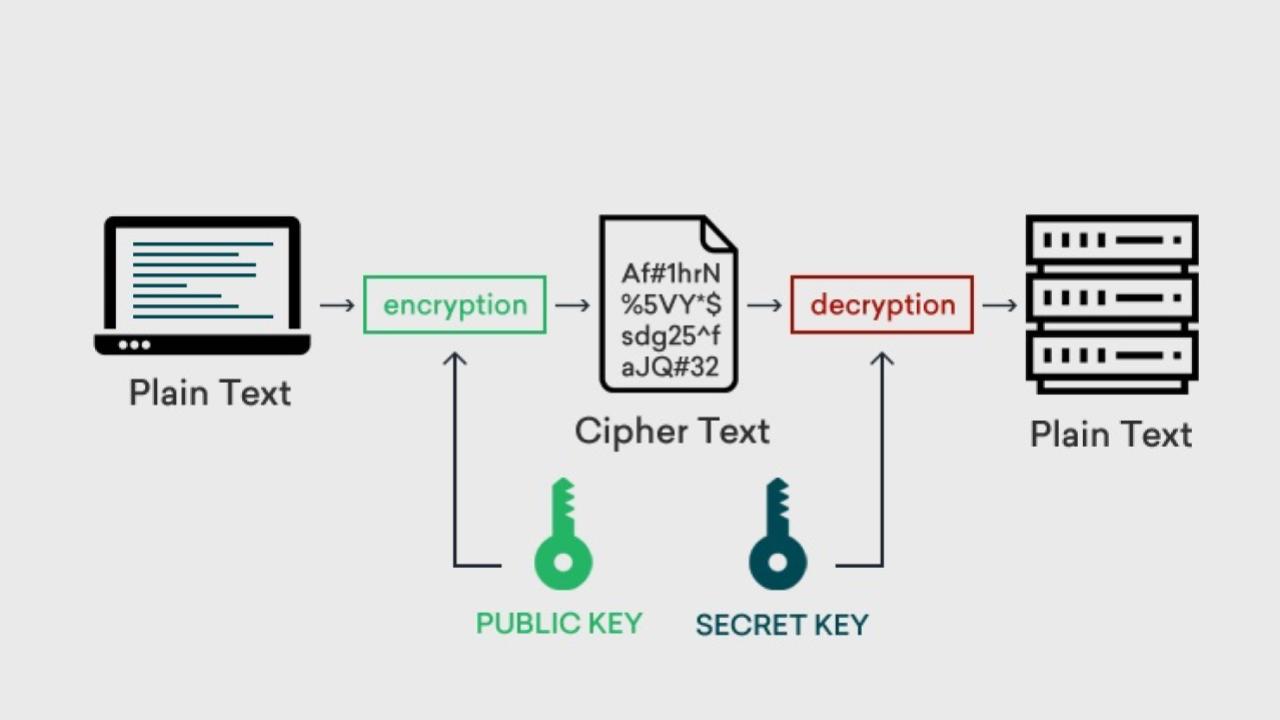
Top encryption tools in cybersecurity include VeraCrypt for cross-platform encryption, BitLocker for Windows full-disk encryption, and AxCrypt for easy file encryption for individuals and SMBs. Other key tools are 7-Zip for secure file compression, LastPass for password management, and FileVault 2 for macOS encryption.
Source: Gemini AI Overview – 11/11/2025
OnAir Post: Encryption Tools
About
Source: Gemini AI Overview – 11/11/2025
Tools for file and disk encryption
VeraCrypt: An open-source, free tool for cross-platform encryption (Windows, Linux, macOS) that can create encrypted volumes and partitions.
BitLocker: An integrated Windows feature for full-disk encryption that can secure the entire hard drive or specific partitions.
AxCrypt: A user-friendly tool for individuals and small businesses to encrypt and manage files.
7-Zip: A free and open-source file archiver with AES-256 encryption for creating secure archives.
FileVault 2
Apple’s built-in encryption system for Mac devices to encrypt the entire hard drive.
DiskCryptor
A free encryption tool for Windows that can also encrypt the system partition and ISO images.
Tools for password and data management
LastPass: A password manager that uses encryption to store and secure passwords and other personal data across devices.
NordLocker: A tool that provides both file encryption and cloud backup with strong security.
Tools for email and communication
Proton Mail: A secure email service that provides end-to-end encryption for emails.
Paubox Email Suite: An encrypted email solution designed for businesses to secure communication.
Other important security tools
HTTPS Everywhere
A browser extension that automatically switches to HTTPS encryption when available to secure web traffic.
VPNs (Virtual Private Networks): Tools like ExpressVPN or CyberGhost encrypt all web traffic for secure browsing.